
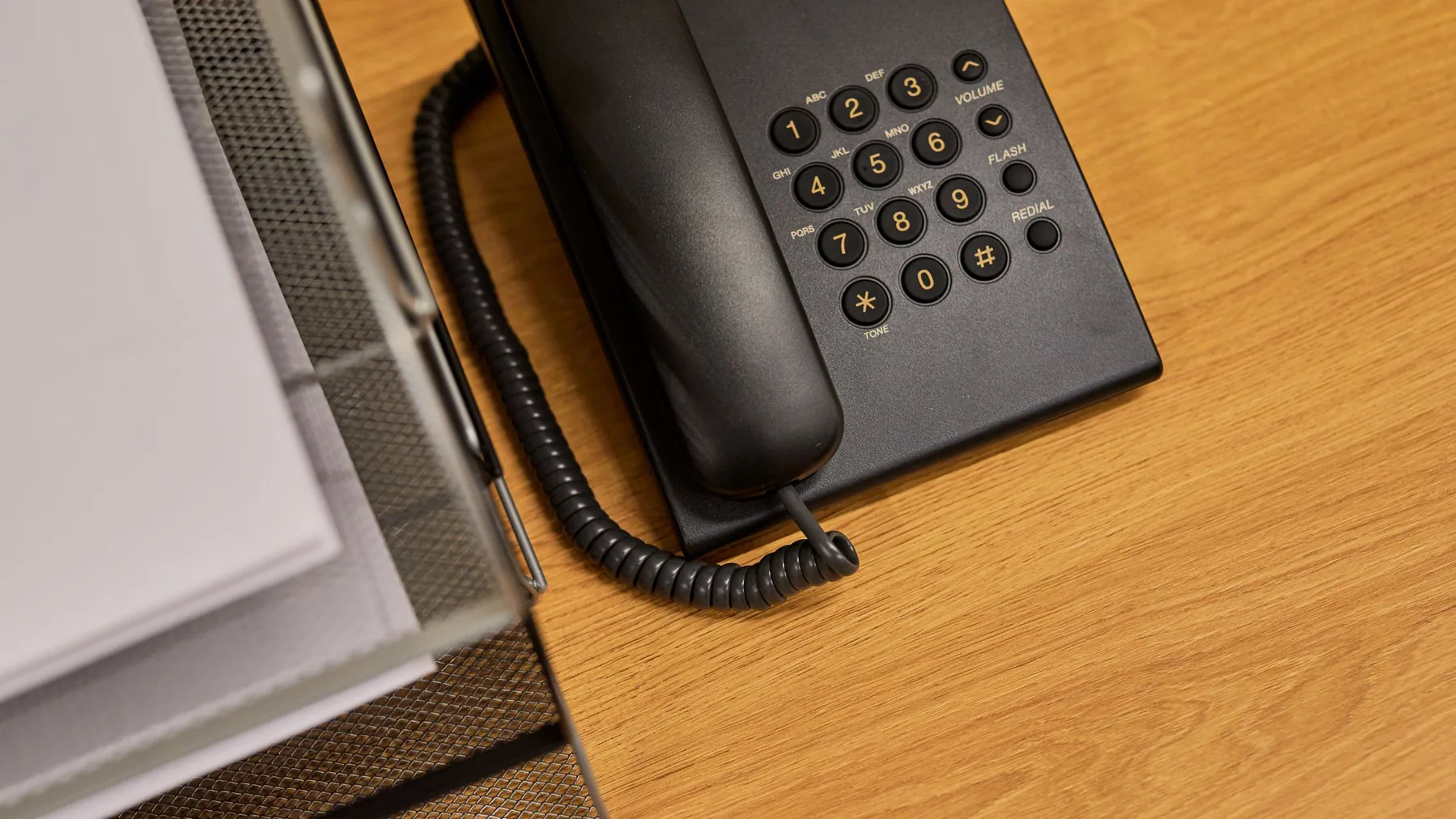
Phone systems that keep your number and go where you work
Hosted VoIP for offices in Rancho Cucamonga and nearby cities — desk phones, mobile apps, and a clearer call flow, with a local person to call.
RanchoIT is a Rancho Cucamonga IT company. Call (909) 200-2535 or request a quote.
A phone system that works the way your office does
If you are still on an old office PBX or a handful of copper lines, everyday work gets harder than it needs to be: staff cannot take a desk call from their phone, after-hours callers hit a dead end, and adding a second location means another box in a closet. Our hosted phone platform keeps the number your customers already know and lets your team take calls from a desk phone, a mobile app, or a desktop app.
We help you plan the move, check that your network is ready, and stay available when something needs adjusting. Request a quote and tell us how you take calls today.
What hosted VoIP gives a small business
- Keep your existing numbers, including after a move from an older phone system.
- Desk phones plus mobile and desktop apps, so a call can follow the person, not just the desk.
- Auto attendant and call routing, so callers reach the right person or department without bouncing around.
- Voicemail delivered to email, so messages are easier to catch up on.
- Call queues, so incoming work can wait in line instead of ringing off the hook.
- Remote and multi-site calling, so a second office or a work-from-home day still feels like one system.
- Integration with Microsoft Teams where it already fits how your office works.
Moving from an old PBX or copper lines
We can plan a cutover from a traditional office phone system or copper lines, including number porting so customers can keep calling the same numbers. We'll walk through how calls should ring, what happens after hours, and when the old system can be retired. Timing depends on the carrier's porting process; we'll tell you what to expect before anything changes.
Network readiness, so calls stay clear
Calls on a hosted phone system travel over your internet connection. Before a cutover, we look at whether the network is ready — including quality-of-service settings that give voice traffic the priority it needs — so conversations are clear. If the connection is not up to the work, we'll say so and talk through options.
Security for the phone system
A business phone system needs the same kind of care as the rest of your network. That includes protection against toll fraud and other phone-system abuse, and multi-factor authentication for the people who administer the system. We'll go over what fits your office when we plan the setup.
AI-powered phone features
Our hosted phone platform includes AI features that help your team keep up with calls, route callers, and review what happened after the phone hangs up. Availability depends on plan.
Transcription, summaries, and call reviews
Calls and voicemails can be turned into text you can search, follow up on, and share — without listening back to every recording. You can turn this on for the whole office or limit it to certain departments, queues, or users, and transcripts can appear in reports and, if you want, in email. When both sides of a call are recorded on separate tracks, the transcript can also show which side said what.
After a meaningful call, the platform can write a short recap — including notes and action items — so someone can see what happened without replaying the recording. It can also score how a call felt. Managers can look at those scores and other performance details across people, queues, and ring groups, in call logs and reports, to see where coaching might help.
AI assistants that can answer and route
An AI receptionist can greet callers, answer first-line questions, gather a few details, and route the call to the right person or department — including after hours. Callers can ask for someone by name, and topics can be sent to a destination you choose. If the assistant cannot be reached, calls can go to a backup destination you set.
A personal assistant can screen calls for a busy person, pass along a short note, send routine or unwanted callers to voicemail, and put through urgent calls. A customer service agent can answer from your approved documents — such as hours, FAQs, policies, or how-to notes — try first-level troubleshooting, and hand the caller to a person or queue when it cannot help or the caller asks for someone. The same kind of assistant can also respond to incoming chats and route the conversation when a person is needed.
Keeping transcripts closer to home, and asking about call activity
If you need tighter control over call recordings, transcription can run in your own environment instead of only in the cloud. Admins can also connect a supported AI provider and ask questions, in plain language, about call activity they are allowed to see — such as reports or live call status — with access still limited by the user's role.
Availability depends on plan. Some plans include voicemail transcription; the fuller set of call transcription, summaries, sentiment, analytics, and AI assistants depends on the platform's AI plan. We'll tell you what applies to your office when you request a quote. An after-hours AI receptionist is not the same as a person on our team answering around the clock — we follow up during office hours, Monday–Friday, 8:00 am–5:00 pm.
Who this fits
Phone systems like this are a good fit for offices that live on the phone — including law offices, dental and medical practices, accounting firms, financial and insurance offices, real estate and escrow teams, and auto dealerships. If you already work with us on IT, the same local team can help with the phones.
Law Offices · Dental · Medical · Accounting · Financial & Insurance · Real Estate · Auto Dealerships
If you are not sure whether you need a full cutover or a narrower project, request a quote and tell us how calls work today.
How it works
Step 1
Tell us how you take calls today
Share how your phones work now — numbers, after-hours coverage, and where calls should land — so we can plan a system that matches the office.
Step 2
We check the network and plan the cutover
We look at whether the network is ready for clear calls and map a cutover that includes number porting, so customers can keep calling the same numbers.
Step 3
Phones, apps, and call flow go live
Desk phones and apps come online with the routing you planned, and you have a person to call if something needs adjusting.
Questions we hear about office phones
Can we keep our current phone numbers?
In most cases, yes. Number porting moves existing numbers to the new system. Timing depends on the current carrier; we'll outline the steps before the cutover.
Do we have to buy all-new desk phones?
Not always. Some existing phones can be reused; others are better replaced. We'll look at what you have and tell you what will work.
What happens if the internet goes down?
Calls on a hosted system travel over your internet connection, so a down connection can affect calling. We can talk about network readiness and backup options for your office. We don't promise that calls will always go through.
Can the AI features answer the phone after hours?
An AI receptionist can be set up to greet callers, answer common questions, and route or take a message outside office hours. Availability depends on plan. Our team follows up during office hours, Monday–Friday, 8:00 am–5:00 pm.
Are the AI features included?
Availability depends on plan. Some plans include voicemail transcription; the fuller set of call transcription, summaries, sentiment, analytics, and AI assistants depends on the platform's AI plan. We'll tell you what applies to your office when you request a quote.
Ready to talk about your phones?
Call (909) 200-2535 or request a quote. We'll follow up during office hours.
Office hours are Monday–Friday, 8:00 am–5:00 pm.